
For the weekly game with your mates
Your weekly five-a-side, sorted.
Stop chasing replies in the group chat. 5asider asks everyone if they're playing, shows you who's in, picks fair teams and keeps the league table. You just turn up and play.
- Free
- Sign in with Google, no password
- Nothing to install
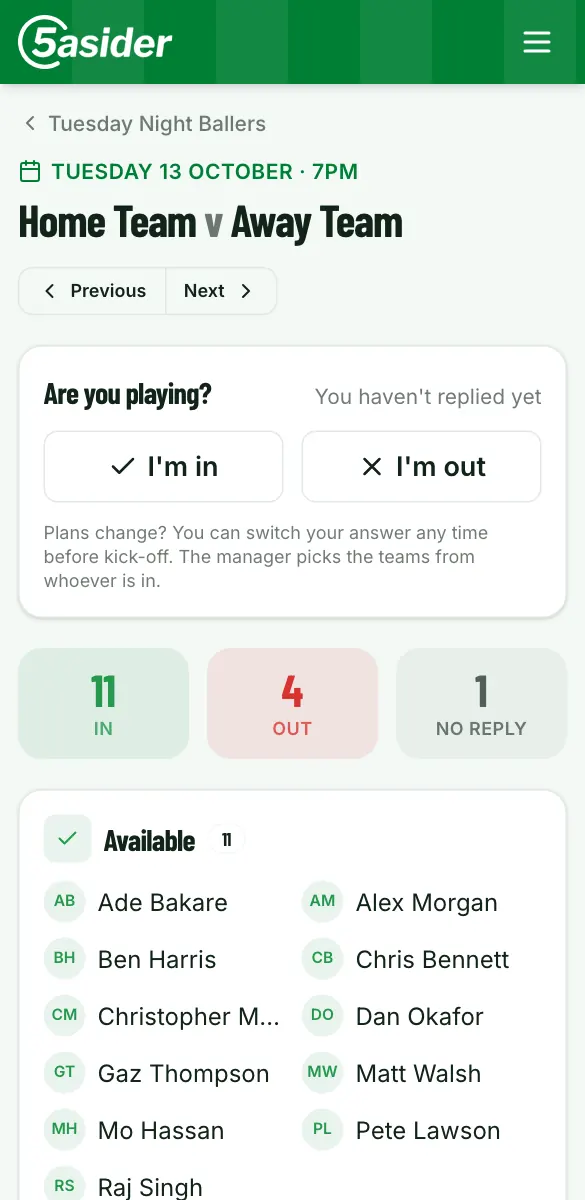
New game · Tuesday Night Ballers
Tuesday 13 October, 7pm
Hi Sam, can you play?
One tap. No need to log in.
Sound familiar?
Running the weekly game shouldn't be a second job
“Who’s in Tuesday?” and forty messages later, nobody knows
Everyone is emailed with I’m in and I’m out buttons. One tap, no login. The game page shows who’s in, who’s out and who hasn’t replied.
The same lot win every week
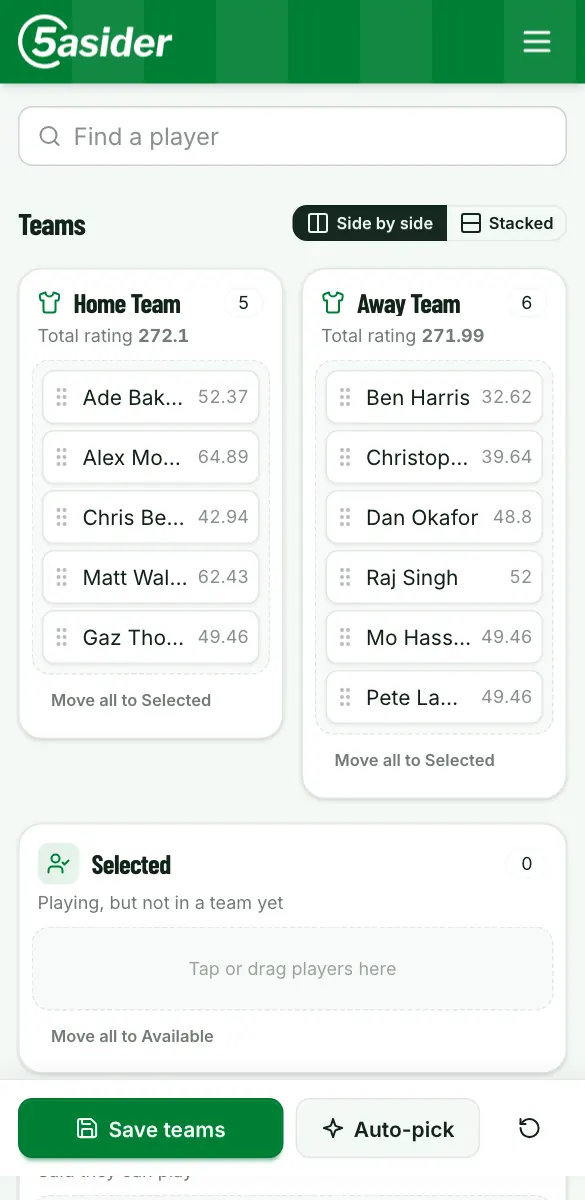
Auto-pick splits whoever is playing into two even teams, using results and recent form. Or drag them about yourself.
Nobody can remember who won
Put the score in after the game and the season, form and all-time tables update themselves.
Pick teams
Everyone who said they're in is waiting on the board. Put them into teams yourself with a tap, or drag them on a laptop. Or let 5asider suggest the teams, using one of three auto-pick methods:
- Optimal: ratings built from everyone's results and recent form.
- Balanced: evens out the teams on each player's all-time record.
- Balanced by form: the same, using recent games only.
Swap anyone around before you save. And when plans change, bring back someone who said they were out, or add a player who never replied: they're marked as playing.
Scores and tables
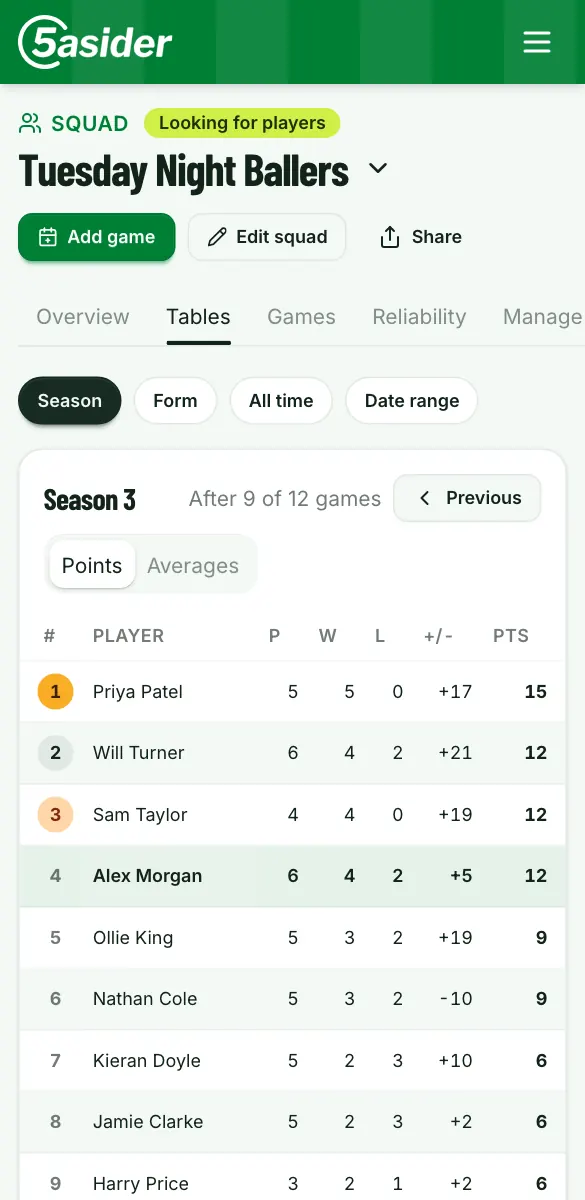
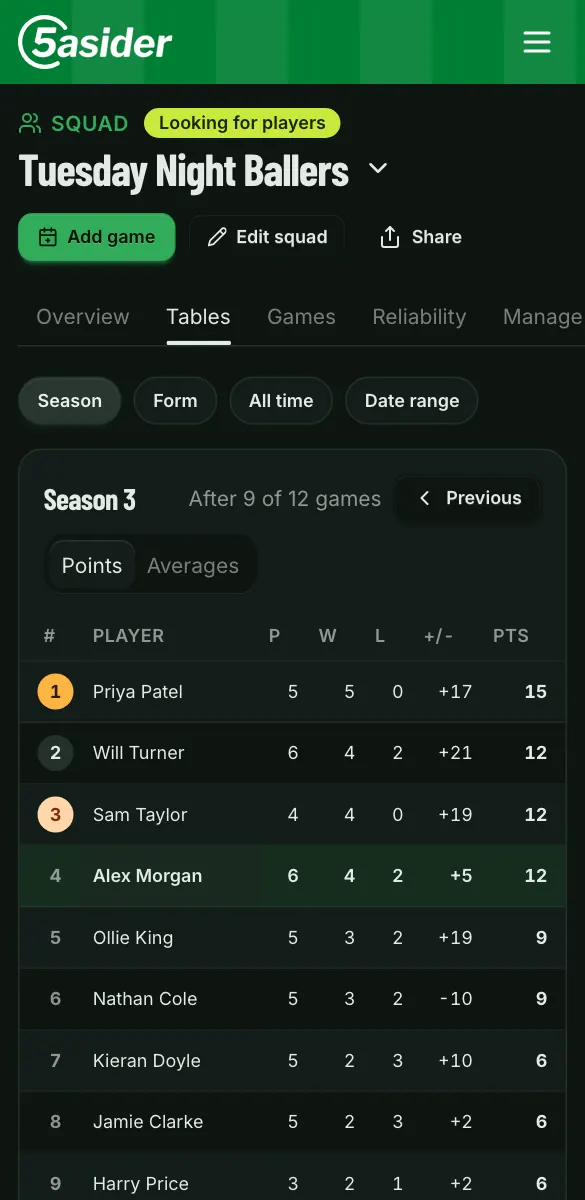
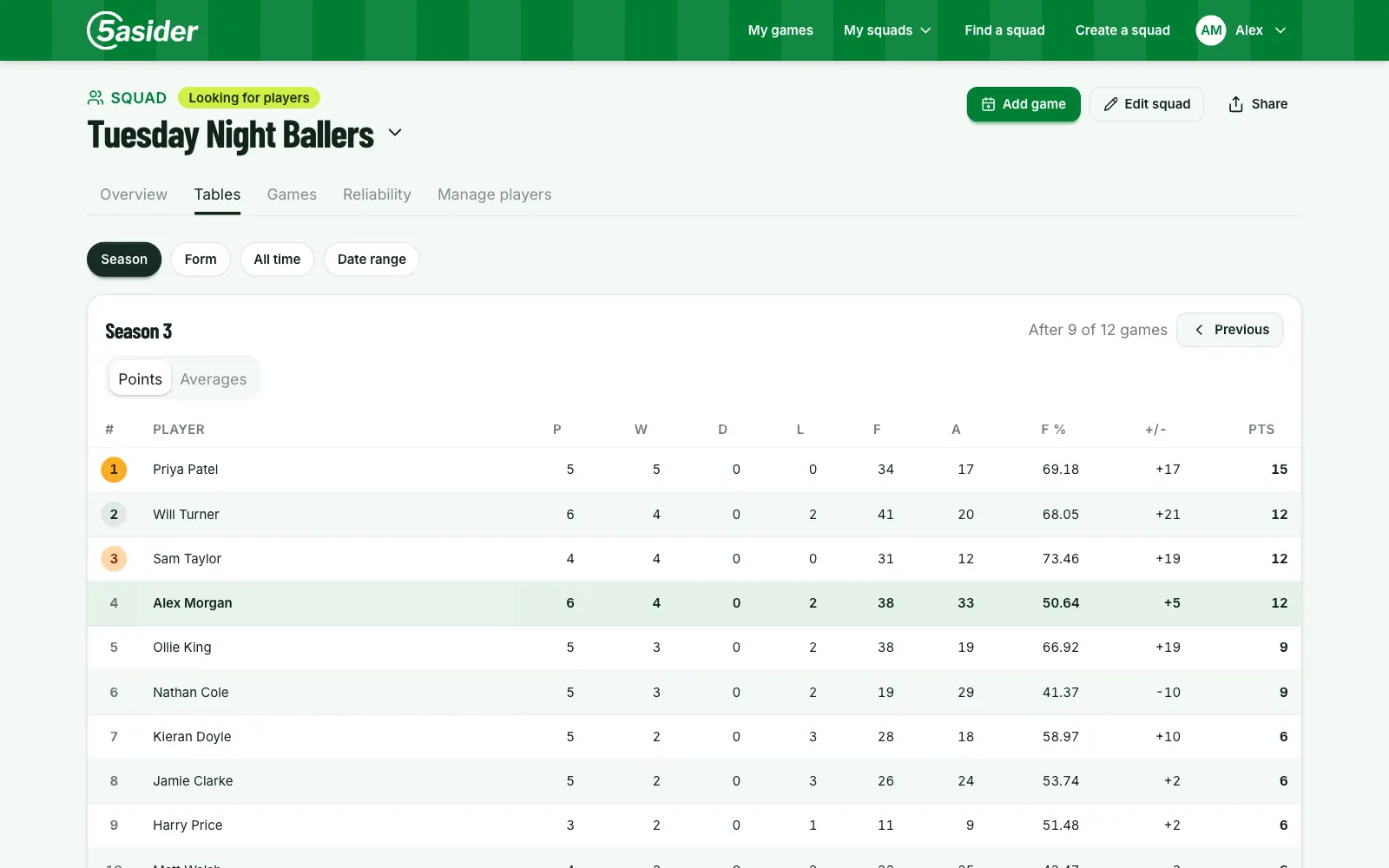
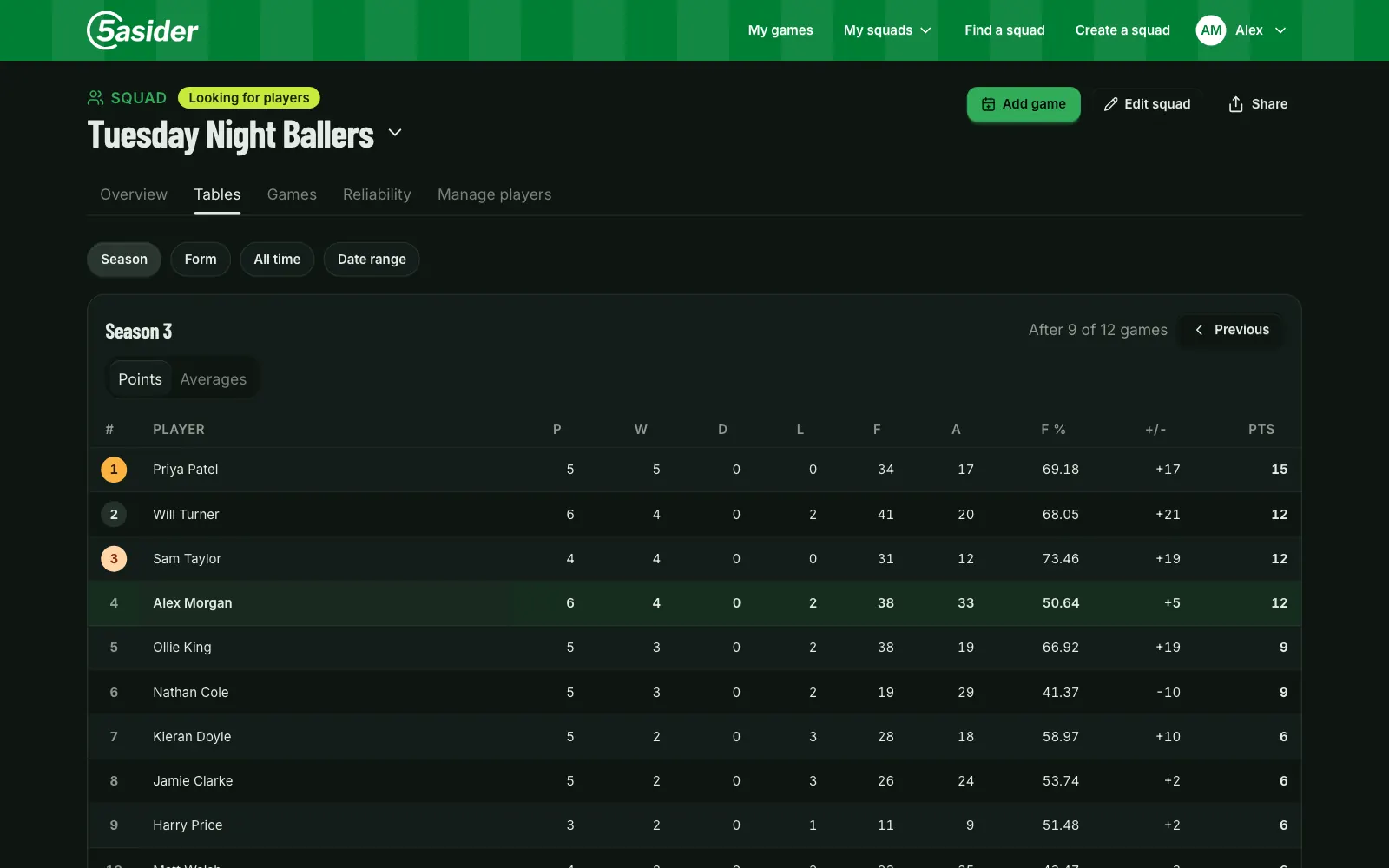
The league table keeps itself
Add the score after the game and that's it. The tables work out the rest, and the bragging rights are settled for good.
- Season, form and all-time tables, plus a table for any dates you like.
- Sort by points or by averages, so the player who's only been twice still gets a fair shout.
- Every result is kept, season after season.
Player stats
Everyone gets their own stats
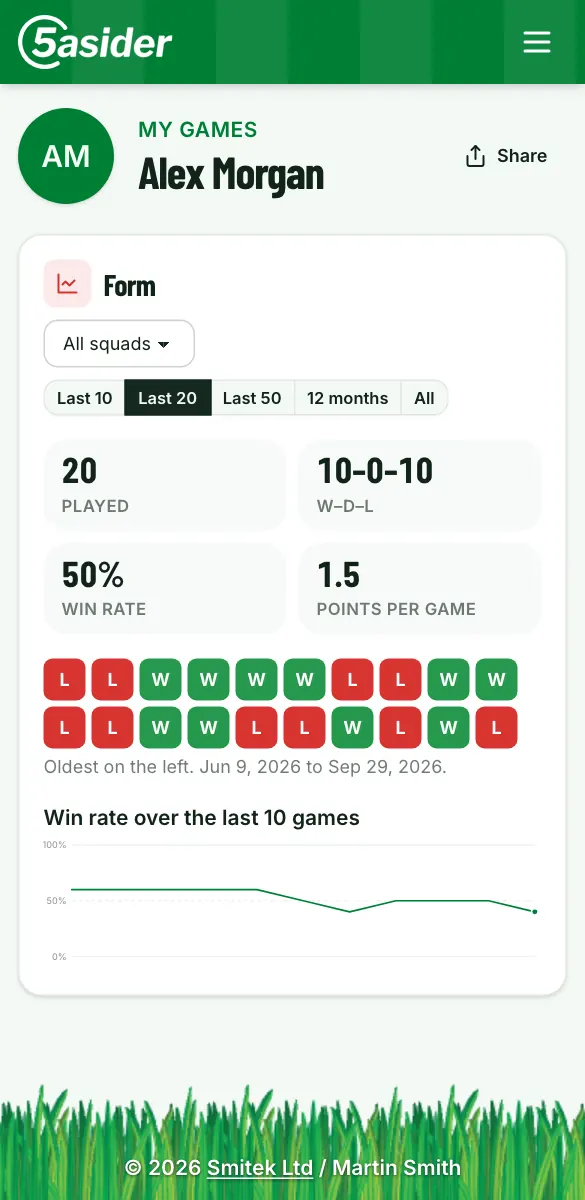
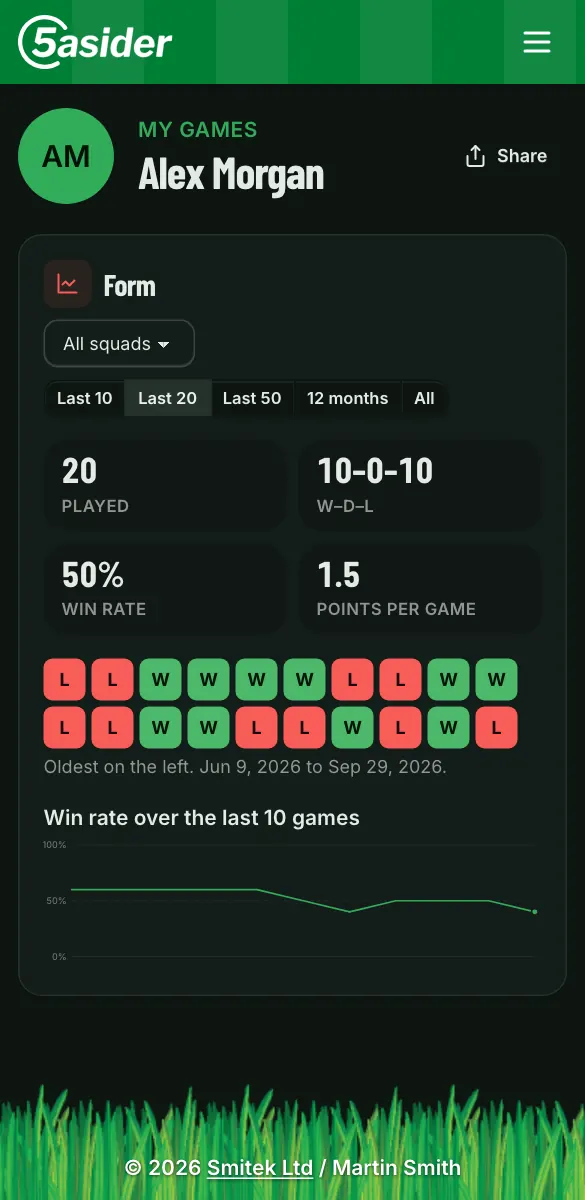
Each player has a page with their games, their record in every squad and how they're playing lately.
- Form: a strip of recent wins, draws and losses, win rate and points per game.
- Reliability: see who drops out after saying they're in, and who does it close to kick-off.
- Reply history on every game, so you know exactly who pulled out and when.
And all the little things
The bits that make running a squad easy.
Invite by email
Paste a list of names or email addresses to add the whole squad at once, then send invitations.
A checklist to get going
New squads get a short setup list: add players, invite them, schedule a game, record a score.
Find a squad
Short of players? List your squad as looking. Players can find you and ask to join.
Links that look good in WhatsApp
Share a game and the preview says when it is and who’s in. Squad links show the squad.
Co-managers
Share the job. Any manager can add games, pick teams and approve new players.
Add to Home Screen
Made for phones first. Add it to your home screen and it opens like an app.
Light and dark
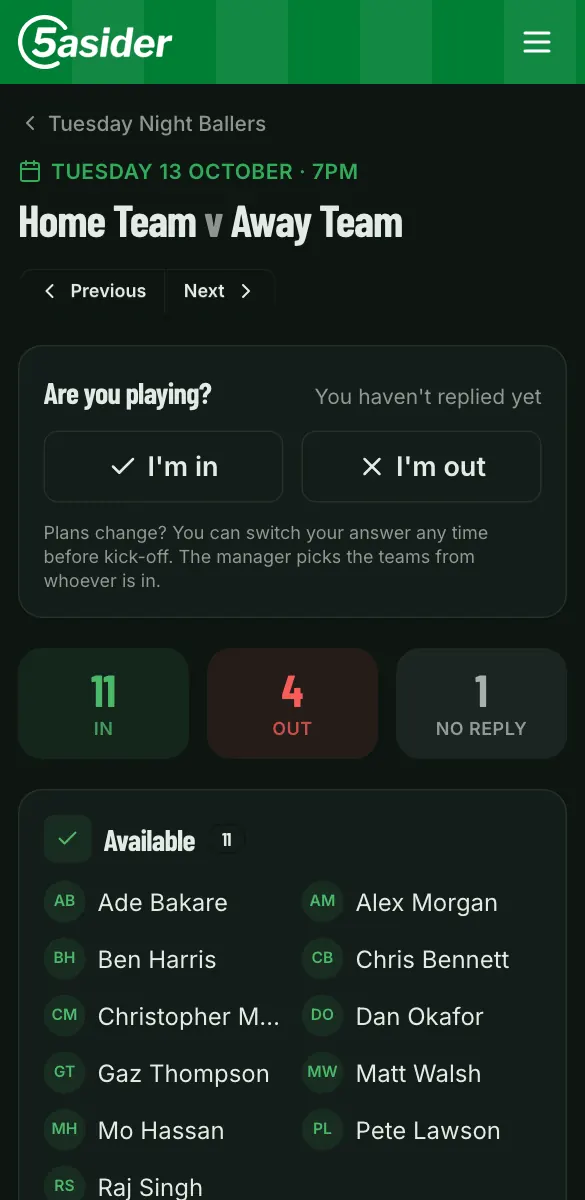
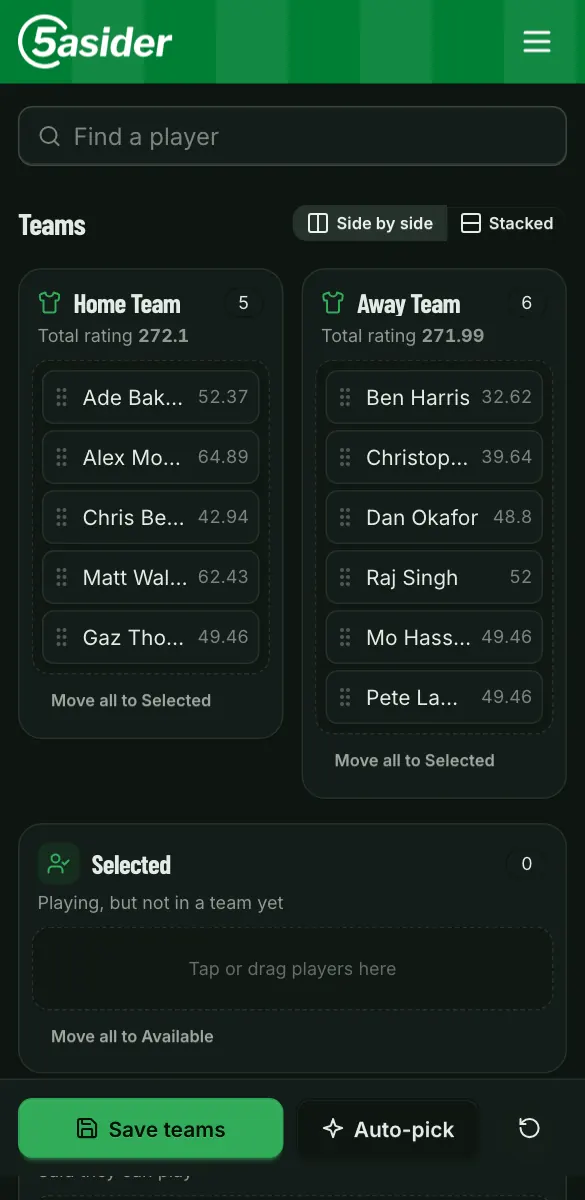
Follows your phone’s setting, or choose for yourself.
Google sign-in
Log in with your Google account. No new password to forget.
Up and running in three steps
-
Set up your squad
Create a squad and add your players. Invite them by email, or add a whole list of names in one go.
-
Schedule a game
Everyone who has signed up gets an email with one-tap "in" and "out" links. You see who is playing as the replies come in.
-
Play, then score it
Pick the teams, record the score after the game and the league tables update themselves.
Ready for kick-off?
It takes a minute to set up your squad, and it's free.